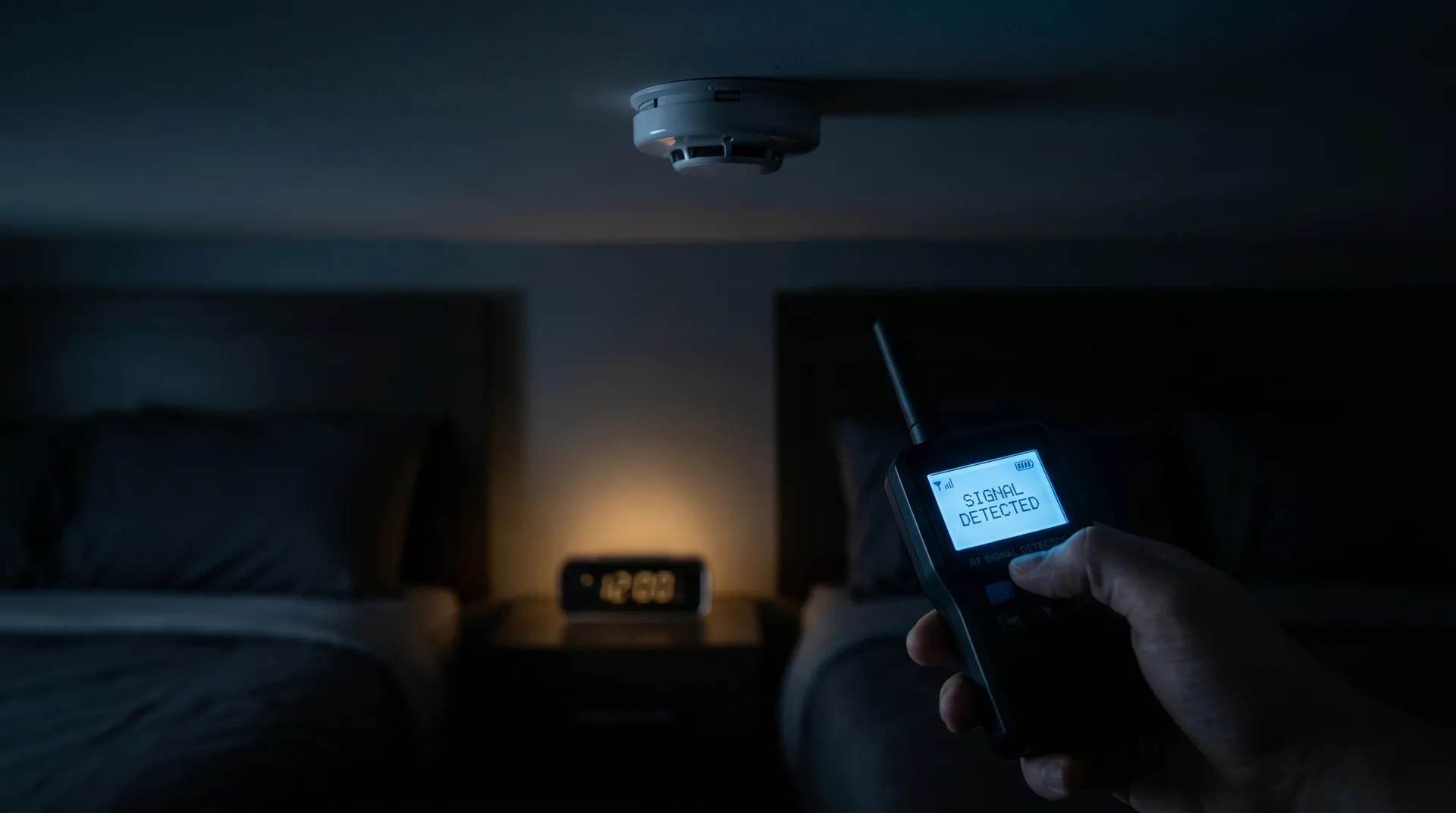
Detect Hidden Cameras in Airbnb & Hotels 2026: Guest Protection Guide
Hidden cameras in short-term rentals and hotels have become a legitimate privacy concern for travelers. While most hosts and hotels are trustworthy, news reports of covert surveillance in guest accommodations continue to surface. This guide walks you through free smartphone-based detection methods, reviews the seven best portable detectors for travelers, and provides step-by-step room sweep procedures you can run in five or twenty minutes.
Why This Matters for Travelers
Airbnb's policy permits exterior security cameras if disclosed in the listing, but strictly prohibits cameras in bedrooms, bathrooms, and any indoor space where guests sleep. Despite this, undisclosed cameras are occasionally discovered. Hotels are similarly covered by state surveillance laws that prohibit cameras in private areas. Understanding how to detect covert devices puts control back in your hands.
Free Detection Methods Using Your Smartphone
Before investing in hardware, use these no-cost techniques with any modern smartphone.
1. Infrared (IR) Detection
Most hidden cameras use infrared LEDs for night vision. Your smartphone's front-facing camera (on many models) can see these IR emissions that are invisible to the naked eye.
How to do it: 1. Turn off all lights in the room 2. Open your phone's front-facing camera app 3. Slowly scan the room, watching the screen 4. IR LEDs appear as bright white or purple dots on screen
Test this first on a TV remote — press a button while pointing it at the front camera. If you see the remote's LED flash on screen, your camera can detect IR.
2. Flashlight Lens Reflection Check
Camera lenses reflect light differently than surrounding materials. A focused flashlight beam will produce a distinct glint from any lens.
How to do it: 1. Dim or turn off room lights 2. Hold a bright flashlight at eye level 3. Slowly scan walls, smoke detectors, clocks, outlets, and decor 4. Look for small reflective glints, especially in unexpected places
3. Mirror Fingernail Test
If you're unsure whether a mirror is a two-way mirror (which could conceal a camera), use the fingernail test.
How to do it: 1. Place your fingernail against the mirror surface 2. On a normal mirror, there's a visible gap between your nail and its reflection 3. On a two-way mirror, your nail touches its reflection directly (no gap)
4. Wi-Fi Network Scan
Many covert cameras connect to Wi-Fi. Apps like Fing (iOS/Android) scan your local network and identify connected devices. Look for unfamiliar camera, DVR, or manufacturer names.
What to Look For: Common Hiding Spots
- Smoke detectors and carbon monoxide alarms
- Air purifiers and fans
- Alarm clocks and USB chargers
- Picture frames and wall art
- Houseplants and decorative objects
- Mirrors positioned with unusual angles
- Tissue boxes and books
- Electrical outlets and power strips
- HVAC vents
Buying Guide: What Matters in a Detector
When your smartphone isn't enough, a dedicated detector adds RF signal detection, advanced lens finders, and wider coverage.
RF Detection Range: Look for 1MHz–8GHz coverage to catch wireless cameras, audio bugs, and GPS trackers.
Lens Detection: High-intensity red LED arrays reveal camera lenses across a room. More LEDs and adjustable filters mean better range.
Sensitivity Control: Allows you to tune out background RF noise (Wi-Fi routers, cell phones) and isolate suspicious signals.
Battery Life: For travel, rechargeable USB-C devices with 5+ hours runtime are ideal.
Portability: Pocket-sized units make discreet sweeping practical in a hotel or rental.
Top 7 Hidden Camera Detectors for Travelers

JMDHKK K68 Anti-Spy Detector
$39.99
Key Features
- RF detection 1MHz-6.5GHz
- Red LED lens finder
- Magnetic GPS tracker detection
- USB-C rechargeable
Pros
Cons
The K68 is the traveler's workhorse — compact enough to fit in a laptop bag yet powerful enough to sweep a hotel room in minutes. Its combined RF scanner and lens finder catches both active wireless cameras and dormant lens-based devices. The USB-C charging is a major practical win versus older detectors with proprietary cables.
Best for: Frequent travelers, Airbnb guests, business trips.
HOHOPROV Portable Detector
$29.99
Key Features
- Pocket-sized design
- Multi-mode detection
- Vibration alert
- AAA battery operation
Pros
Cons
At under $30 and smaller than a smartphone, the HOHOPROV is the easiest detector to pack. Vibration alerts mean you can sweep discreetly without audible beeps drawing attention. AAA battery operation is a trade-off — convenient globally, but bring spares.
Best for: Budget-conscious travelers, backup device, first-time buyers.
Noyafa G318 Lens Finder
$54.99
Key Features
- High-intensity 6-LED array
- Viewing filter included
- Extended range lens detection
- Durable metal housing
Pros
Cons
If your main concern is pinhole camera lenses hidden in fixtures, the Noyafa G318's six-LED array and proper viewing filter outperform single-LED detectors by a wide margin. It won't detect RF signals, but for visual lens sweeps it's the best in this price range.
Best for: Detecting pinhole lenses in smoke detectors, alarm clocks, and decor.
DefCon DD3 Detector
$89.99
Key Features
- Auto-sensitivity adjustment
- Color-coded signal strength
- Lens and RF combo detection
- One-button operation
Pros
Cons
The DD3's auto-sensitivity is a standout feature — it calibrates to ambient RF in your current environment, reducing false positives from hotel Wi-Fi and cellular signals. Color-coded strength indicators mean you don't need to interpret numeric readouts under stress.
Best for: Non-technical users who want clear, actionable signals.
KJB DD1206 Professional Detector
$149.95
Key Features
- 1MHz-8GHz RF range
- Dual antenna design
- Audio detection mode
- Professional-grade sensitivity
Pros
Cons
KJB is a known name in counter-surveillance, and the DD1206 earns its price with professional-grade RF sensitivity that catches low-power and frequency-hopping cameras consumer units miss. Audio detection mode lets you listen to the actual signal, helping distinguish cameras from cordless phones or baby monitors.
Best for: Serious travelers, real estate professionals, executives.
SpyHawk Pro-10G Ultimate
$169.99
Key Features
- 10GHz extended range
- Multi-band detection
- Professional headphone jack
- Long-life rechargeable battery
Pros
Cons
The Pro-10G extends detection to 10GHz, catching newer 5GHz Wi-Fi cameras and less common frequency bands. The headphone jack is a serious-user feature for identifying signal types by ear, a technique that separates real threats from RF noise.
Best for: Privacy-sensitive professionals, high-stakes travel.
Spy-MAX Pro-M10 Complete System
$299.99
Key Features
- RF, lens, and magnetic detection
- Non-Linear Junction Detector function
- Spectrum analyzer display
- Professional carry case
Pros
Cons
The Pro-M10 is the only consumer detector here with NLJD (Non-Linear Junction Detector) functionality, which finds dormant electronics whether they're powered or not. The spectrum analyzer display shows exact frequencies, letting advanced users identify specific device types.
Best for: Frequent high-risk travel, executive protection, power users.
5-Minute Quick Sweep Procedure
Use this when you first arrive at an Airbnb or hotel room.
1. Wi-Fi scan (30 seconds): Connect to the network and run Fing. Note any cameras, DVRs, or unknown devices. 2. Smoke detector check (30 seconds): Stand directly under it. Look for a lens, pinhole, or IR glow with your phone camera in a dim room. 3. Alarm clock / nightstand sweep (1 minute): Unplug and check every item facing the bed. Rotate each 360°. 4. RF scan with detector (2 minutes): Slowly walk the room perimeter with your detector on high sensitivity. 5. Mirror check (1 minute): Fingernail test on any bathroom and bedroom mirror.
20-Minute Thorough Sweep Procedure
For longer stays or high-concern situations.
1. Set up your detector and adjust sensitivity to filter out ambient Wi-Fi. 2. Grid the room: Divide the room into quadrants and sweep each fully. 3. Lens detection pass: With lights off, use your detector's lens finder or a flashlight. Scan all objects facing the bed or bathroom. 4. Check hidden areas: Behind headboards, inside lampshades, under furniture, inside desk drawers. 5. Electrical outlets: Use detector to check each outlet, USB charger, and power strip. 6. HVAC and vents: Shine light into floor and ceiling vents. 7. Smoke and CO detectors: Examine closely or photograph and zoom in. 8. Wi-Fi device audit: Run Fing and note MAC addresses of any unfamiliar devices. 9. Bathroom sweep: Repeat above in bathroom, paying extra attention to mirrors and fixtures. 10. Re-scan before leaving for the day: Hosts could add devices after your initial sweep.
What to Do If You Find a Camera
1. Do not disable or remove it — this may destroy evidence. 2. Photograph it from multiple angles and document its location. 3. Check for active recording: Is a light on? Is it connected to power or Wi-Fi? 4. Leave the space immediately if you feel unsafe. 5. Report to the platform: For Airbnb, contact Trust & Safety directly. For hotels, contact management and consider escalating to corporate. 6. File a police report. Covert surveillance in private areas is illegal in all 50 states. 7. Document everything in writing — timestamps, communications, and photos. 8. Request refund and relocation assistance from the platform.
Legal Disclaimer
The information in this article is provided for educational and personal privacy protection purposes only. Laws regarding surveillance and privacy vary by state, country, and jurisdiction. This article does not constitute legal advice. If you discover a hidden camera in a space where you have a reasonable expectation of privacy, consult local law enforcement and a qualified attorney. The use of detection equipment is generally legal for personal privacy protection, but you should never tamper with, remove, or destroy devices found on property you do not own, as this could constitute destruction of evidence or property damage. Products mentioned are for informational purposes — always verify current specifications, features, and legality of use in your location before purchasing.
Frequently Asked Questions
### Are hidden cameras actually common in Airbnbs and hotels? Undisclosed cameras in private guest areas are rare but documented. Airbnb prohibits them entirely in bedrooms and bathrooms, and reputable hotels comply with state laws prohibiting surveillance in private areas. The cases that make headlines are the exception, not the rule — but the low effort required to sweep a room makes it worthwhile for peace of mind.
### Can I really detect hidden cameras with just my phone? Yes, to a significant extent. Your phone camera can often see IR LEDs used for night vision, and apps like Fing can identify Wi-Fi-connected cameras. These free methods catch many consumer-grade covert cameras but miss high-end devices that don't use IR or Wi-Fi. For comprehensive detection, a dedicated RF detector adds coverage.
### Is it legal to use hidden camera detectors? Yes. In the United States and most countries, using RF and lens-detection equipment to protect your own privacy is legal. Detectors are passive devices — they receive signals rather than transmitting or interfering. You can freely use them in hotels, Airbnbs, rentals, and any private space where you're a guest or occupant.
### What's the difference between RF detection and lens detection? RF detection finds cameras actively transmitting signals (Wi-Fi, cellular, radio). Lens detection uses red LEDs and a viewing filter to spot camera lenses visually — it works on any lens, active or not, including cameras recording to internal storage without transmitting. The best detectors combine both.
### How long does a proper room sweep take? A quick sweep takes about five minutes and catches most consumer-grade threats. A thorough twenty-minute sweep uses both RF scanning and visual lens detection across every surface and object in the room. For longer stays, repeat briefly each day since a host could introduce devices between sweeps.
### What should I do if my Airbnb host says they have outdoor cameras? Exterior cameras are permitted if disclosed in the listing before booking. Indoor cameras in common areas (living rooms, entryways) must also be disclosed and cannot be in bedrooms or bathrooms under any circumstance. If you encounter undisclosed cameras anywhere, or any camera in a private sleeping or bathing area, this violates Airbnb policy and likely local law.
### Do hidden cameras always have Wi-Fi? No. Many covert cameras record locally to SD cards with no network connection, making them invisible to Wi-Fi scans. Some cellular-enabled cameras use 4G/5G, which RF detectors can catch. This is why a combination approach — Wi-Fi scan plus RF detection plus visual lens sweep — gives the most complete coverage.
Related Guides
- [Best Hidden Camera Detectors 2026](/articles/best-hidden-camera-detectors)
- [How to Find Hidden Cameras in Your Home](/articles/how-to-find-hidden-cameras-home)
- [Travel Privacy Checklist](/articles/travel-privacy-checklist)
- [Understanding Surveillance Laws by State](/articles/surveillance-laws-by-state)
- [What to Do If You Find a Hidden Camera](/articles/found-hidden-camera-what-to-do)
Prices and availability on Amazon are subject to change. As an Amazon Associate, pispycameras.com earns from qualifying purchases.